RIV-0114WhatsApp
U54th & Maple, Riverside
Evacuation — elderly, no vehicle
Urgent · Awaiting routing
Step by step — from raw request to resolved case. Every step has a human checkpoint.
The metaphor
During a crisis, every organization has its own way of receiving and tracking help requests. AidGrid replaces all of those separate systems with one shared signal board — visible to every coordinator, updated in real time, maintained by AI triage.
The live coordination board — your team's shared view
Help requests hit AidGrid through the public intake form. No login required. Submissions include location (text or pin), need category, free-text description in any language, optional photo, and optional contact info. Source channel is always recorded.
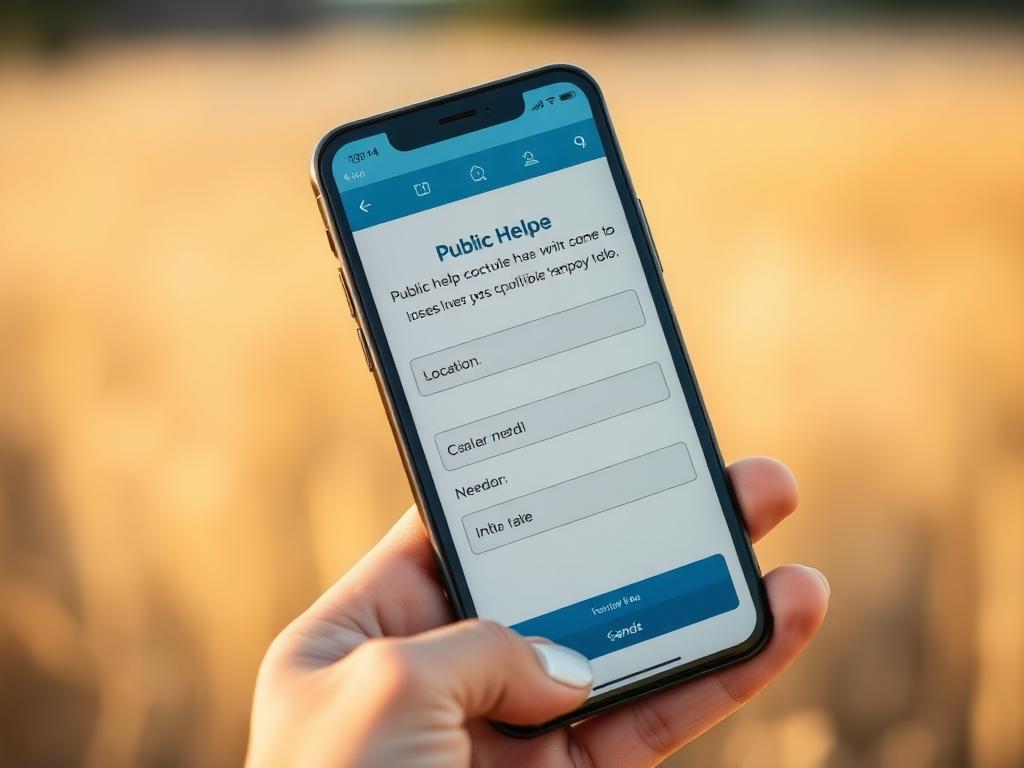
Within seconds of submission, AidGrid's triage engine analyzes the request text. It extracts urgency signals from language, checks location against known active hotspots, evaluates completeness, and generates a triage score from 1 to 5. Multilingual text is translated and analyzed.
Triage score is a suggestion. Coordinator makes the routing decision.

AidGrid compares incoming requests against recent submissions. It clusters cases that likely describe the same need — using location proximity, text similarity, and time window. A duplicate cluster appears on both case cards with a confidence indicator.
Duplicates are flagged, never auto-merged.

AidGrid cross-references the case location against the resource directory — shelters, clinics, food distribution points, water stations, transport hubs. It flags resources within response radius, checks current capacity, and surfaces best matches.
Suggestions include distance, capacity, and contact. Coordinator reviews and approves.
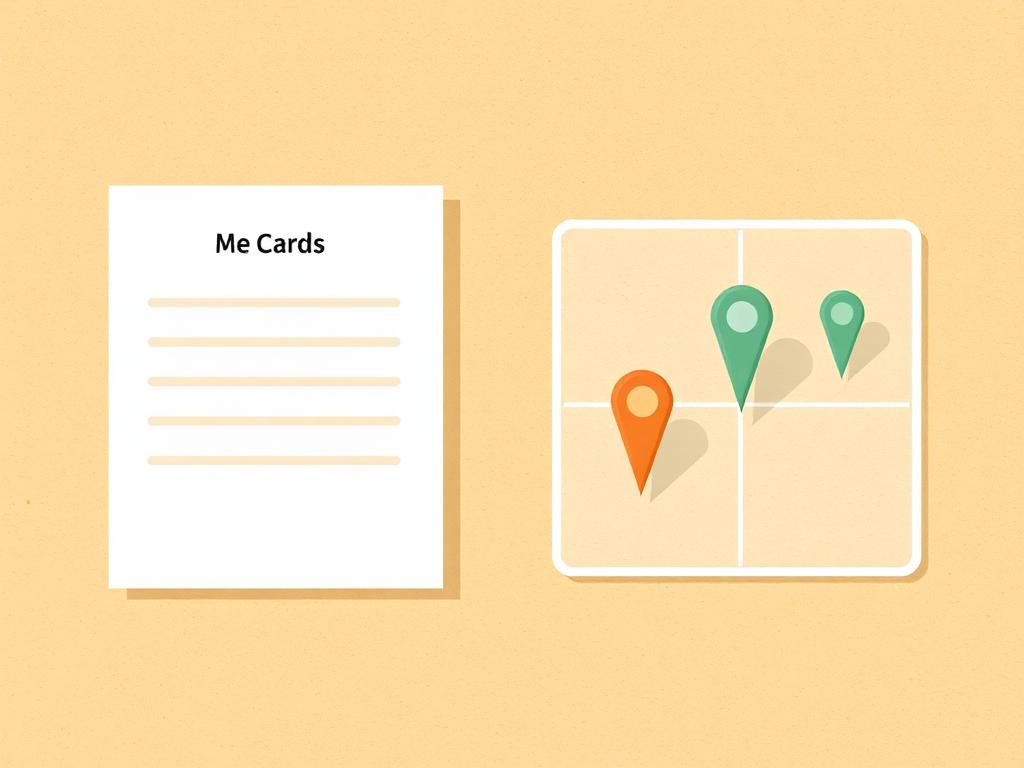
This is the most important step. AidGrid suggests. The coordinator decides. No aid is dispatched automatically. No case is closed without coordinator action. Every routing action is recorded in case history with timestamp, actor, and notes.

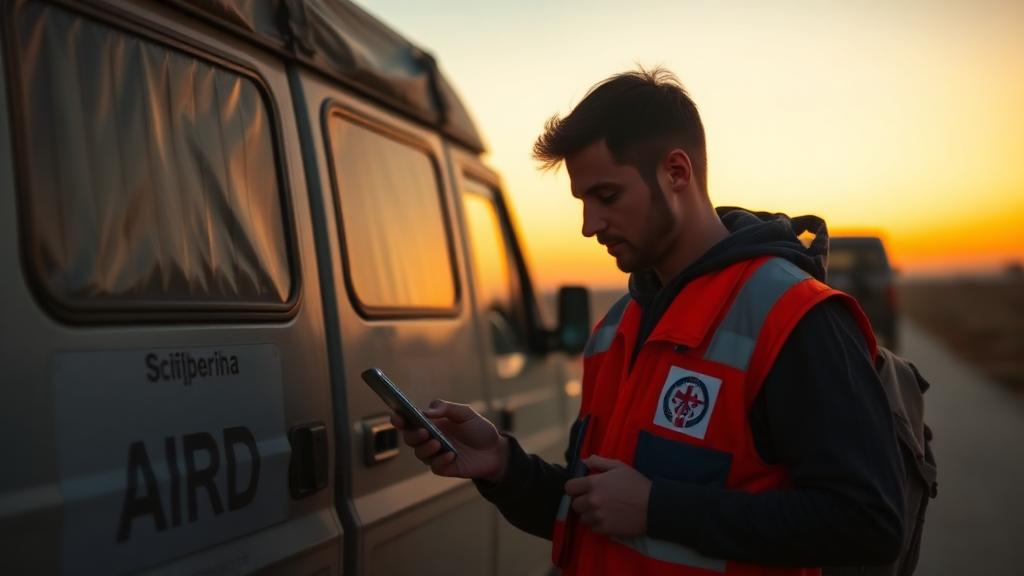
The assigned team carries out the response. Status updates flow back: en route, on site, need follow-up, or resolved. The case queue updates in real time. If a case goes stale, AidGrid flags it for coordinator review.
Scope
AI suggests. Human coordinators approve.
For life-threatening emergencies, always contact emergency services first.
How channels connect
Requests arrive from anywhere coordinators already work. AidGrid scores and deduplicates them, surfaces routing suggestions, and pushes alerts back out. Responders confirm, override, or close every case.
01 · Inputs
02 · AidGrid
03 · Outputs
04 · Responders
AidGrid never auto-dispatches. The right column is where a human coordinator confirms, overrides, routes, or closes a case. Without that step, nothing leaves the queue.
Connected systems
These are the systems coordinators most often wire into AidGrid. Most are supported connections or integration workflows — not formal partnerships unless explicitly labeled.
FrontlineSMS Gateway
Handles incoming reports via text and voicemail.
Supported connection
Hotline
Connects to AidGrid via API bridge for voice intake.
Integration workflow
RedCross Shelter DB
Feeds available shelter capacity into AidGrid for routing.
Connected system
Google Maps / OpenStreetMap
Provides proximity checks and location validation.
Supported connection
WhatsApp Business
Inbound and outbound alerts for coordinators.
Supported connection
Slack / Mattermost
Notification and queue updates to responder channels.
Supported connection
CaseWorthy
Optional two-way sync of client records.
Integration workflow
SurveyMonkey
Common source for structured help requests.
Supported connection
Operator proof
Concrete outcomes from coordinators using AidGrid as their shared queue. Every routing decision behind these numbers was approved by a human.
Field result
Houston, TX
Outcome
57 duplicate deliveries prevented in one week
“We stopped three trucks of the same supplies heading for one shelter.”
Field result
Puerto Rico
Outcome
Average triage time: 2 minutes
“Coordination made it possible to deliver a specific blood type to a rural clinic.”
Field result
California
Outcome
4 organizations sharing one queue
“We connected a shelter request to a family reunification case.”
Field result
Florida
Outcome
22% improvement in shelter / capacity redirects
“We got patients into beds rather than waiting for the next transfer.”
Field result
New Orleans, LA
Outcome
180+ volunteer hours saved per event
“Volunteers can focus on visiting families, not answering calls.”
Field result
San Antonio, TX
Outcome
1,372 cases resolved in a 3-week pilot
“We didn't see the double-request issue.”
Featured field operator
“We spent two years tracking requests in spreadsheets and sticky notes. AidGrid gave us a single pane of glass so our team could actually get food, water, and supplies to people rather than updating a list. The urgency score isn't perfect, but it's good enough that we don't miss the life-or-death cases because they got buried in a backlog.”
Create an account to coordinate requests with your team. Coordinators review new workspaces before activation.